Content creation is a treadmill that never stops. If you are a podcaster, YouTuber, or business owner, you know the struggle: you spend 20 hours creating one "Masterpiece" video, it gets some views, and then it dies.
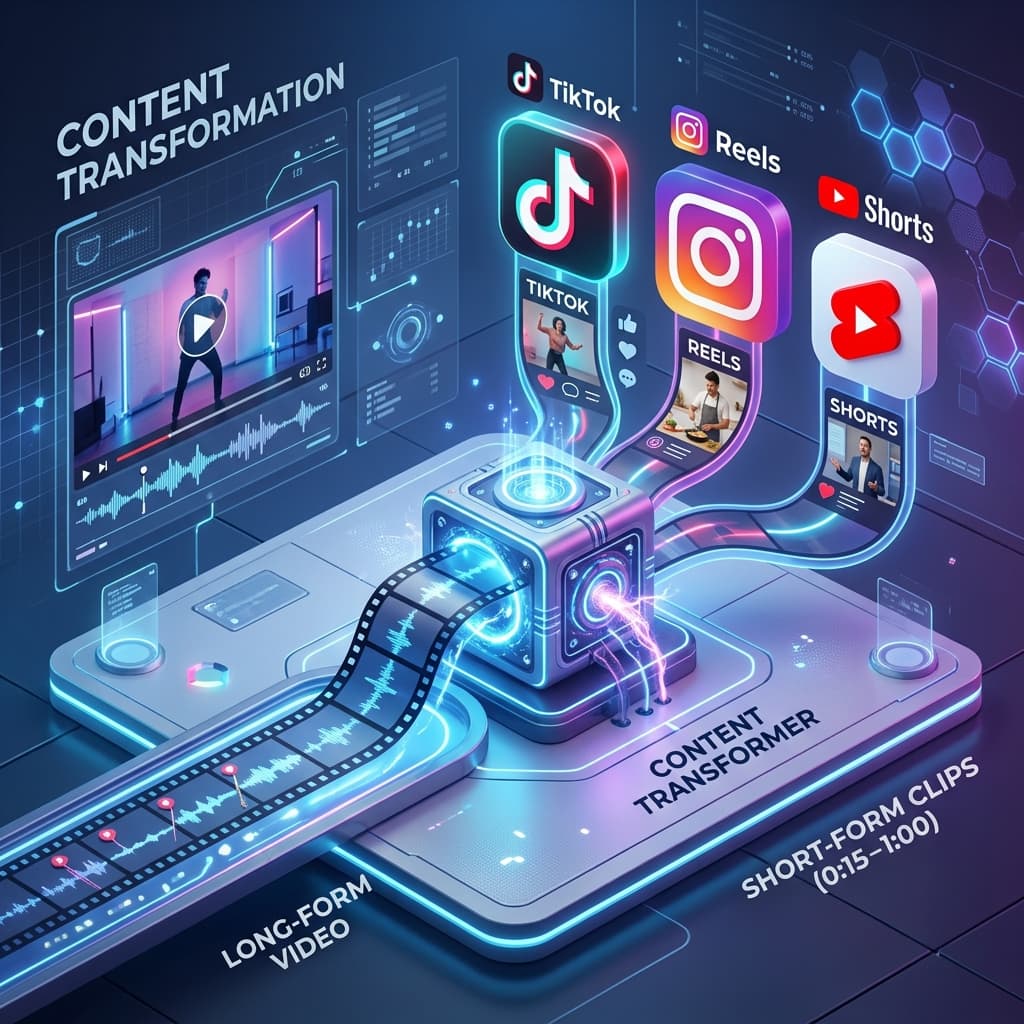
In 2026, the most successful creators use a "Hub and Spoke" model. Your long-form video is the "Hub," and your AI-generated shorts are the "Spokes" that drive traffic back to the hub.
In this 600+ word guide, we will show you exactly how to use Visualix AI to repurpose one long-form video into 20+ viral shorts, saving you dozens of hours every single week.
1. The Audit: Finding the "Viral Nuggets"
Not every minute of your 1-hour podcast is suitable for a Short. You are looking for specific "moments" that can stand alone.
- The Epiphany: A moment where a guest says something profound or surprising.
- The Controversy: A clip where a strong opinion is shared (this drives comments and shares).
- The "How-To": A quick, actionable tip that provides immediate value.
- Visualix Tip: Use our AI Highlight Detector. It scans your video's transcript for high-energy words and audience-retention patterns to suggest the best clips automatically.
2. The Hook: Re-Framing the Narrative
When you pull a clip from a long video, the first 2 seconds might be mid-sentence. You need to "re-hook" the viewer.
- Text Overlays: Add a bold headline like "This part blew my mind..." or "The truth about [Topic]."
- Visual Reset: If the guest was speaking calmly, use a "Punch-in" zoom to make the start of the Short feel more energetic.
- AI Scripts: Sometimes, it's better to record a new 3-second intro and stitch it to the clip. Visualix AI can help you write that intro script based on the clip's content.
3. Formatting for Vertical (9:16)
The biggest mistake in repurposing is simply cropping the center of a horizontal video. You lose the context and the quality.
- The Split-Screen Method: Place the speaker on top and relevant B-roll or a "Satisfying Video" (like GTA parkour or ASMR) on the bottom. This is a proven strategy for keeping the viewer's eyes engaged.
- The "Talking Head" Crop: Use AI face-tracking to ensure the speaker stays centered in the frame even if they move around.
4. Captions: The "Silent Viewing" Necessity
80% of users watch short-form content with the sound off (especially in public places or at work). If you don't have captions, you lose 80% of your potential audience.
- The Visualix Style: We don't just add subtitles; we add kinetic typography. Words pop up as they are spoken, change colors for emphasis, and include relevant emojis. This isn't just for accessibility; it's an "entertainment layer" that keeps people watching.
5. Audio Cleanup & Background Music
Long-form audio often has "room noise" or echoes that become very noticeable when edited into a snappy Short.
- AI Enhancement: Use our audio tools to remove background hiss and normalize volume levels.
- Trending Tracks: Add a low-volume background track. In 2026, the algorithm heavily favors videos that use "trending sounds" from the platform's library.
6. The "CTA" Strategy (Call to Action)
The goal of repurposing is usually to grow your main channel or email list. Every 3rd or 4th Short should have a clear CTA.
- The "Watch More" Loop: "If you liked this tip, the full 1-hour deep dive is linked in my bio."
- The "Lead Magnet": "Download my free PDF guide at the link below."
7. Workflow Automation with Visualix AI
The old way: Download video -> Open Premiere Pro -> Manually find clips -> Manually crop -> Manually type captions -> Export 20 times. (Time: 6 hours). The Visualix way: Paste YouTube Link -> AI finds 10 clips -> AI crops and captions -> Bulk Export. (Time: 10 minutes).
Conclusion
In 2026, the winners are those who can produce the most "high-value surface area" on social media. By repurposing your long-form content, you are turning one piece of work into a multi-channel traffic machine.
Stop letting your best content collect dust. Start repurposing with Visualix AI today.
Frequently Asked Questions
Q.Which types of long-form videos repurpose best?
Podcasts, interviews, and 'Top 5' style educational videos are the best. Any video with clear 'punchlines' or 'value drops' is a goldmine for Shorts.
Q.Should I post the same Short to TikTok and YouTube?
Yes, but with slight tweaks. While the core video can stay the same, you should use platform-specific trending sounds and hashtags for the best results.
Generate Videos with Visualix AI
ByteDance Seedance AI Video Generator
ByteDance SOTACreate hyper-realistic cinematic AI videos with ByteDance Seedance online.
Seedance 2.5 AI Video Generator
Flagship 2.5ByteDance's flagship Seedance 2.5 video engine with 60 FPS dynamics and audio.
Seedance 2.0 4K AI Video Generator
Native 4KGenerate native 4K cinematic AI videos with ByteDance Seedance 2.0.
Seedance Text to Video Generator
Prompt to VideoTurn descriptive text prompts into cinematic Seedance AI video clips.