- What is Flux 3.0 Video?
- Key Specifications
- What Makes Flux 3.0 Special?
- 1. Cinematic Motion Coherence
- 2. Native Audio Generation
- 3. Native 4K Output
- 4. Start/End Keyframe Control
- 5. Rich Spatial Depth
- 6. Multiple Aspect Ratios
- Flux 3.0 vs Competitors
- Flux 3.0 vs Seedance 2.5
- Flux 3.0 vs Veo 3
- Flux 3.0 vs Runway Gen-4.5
- Flux 3.0 vs Kling 3.0
- How to Use Flux 3.0
- Where to Access Flux 3.0
- Step-by-Step Tutorial
- Flux 3.0 Pricing
- Visualix AI Pricing
- Best Use Cases for Flux 3.0
- 1. Film & Commercial Production
- 2. High-End Advertising
- 3. Film Pre-Visualization
- 4. YouTube Premium Content
- 5. Proof-of-Concept & Pitches
- 6. Art & Experimental Video
- Prompting Tips for Flux 3.0
- Use Cinematic Language
- Describe Camera Moves Precisely
- Specify Lighting Style
- Add Atmospheric Elements
- Reference Film Styles
- Example Professional Prompts
- Common Issues & Solutions
- Issue: Output is too "polished" (doesn't look real)
- Issue: Motion is too smooth (no character)
- Issue: Colors are oversaturated
- Issue: Audio doesn't match mood
- Flux 3.0 Limitations
- Flux 3.0 Alternatives
- Is Flux 3.0 Worth It?
- Get Started with Flux 3.0
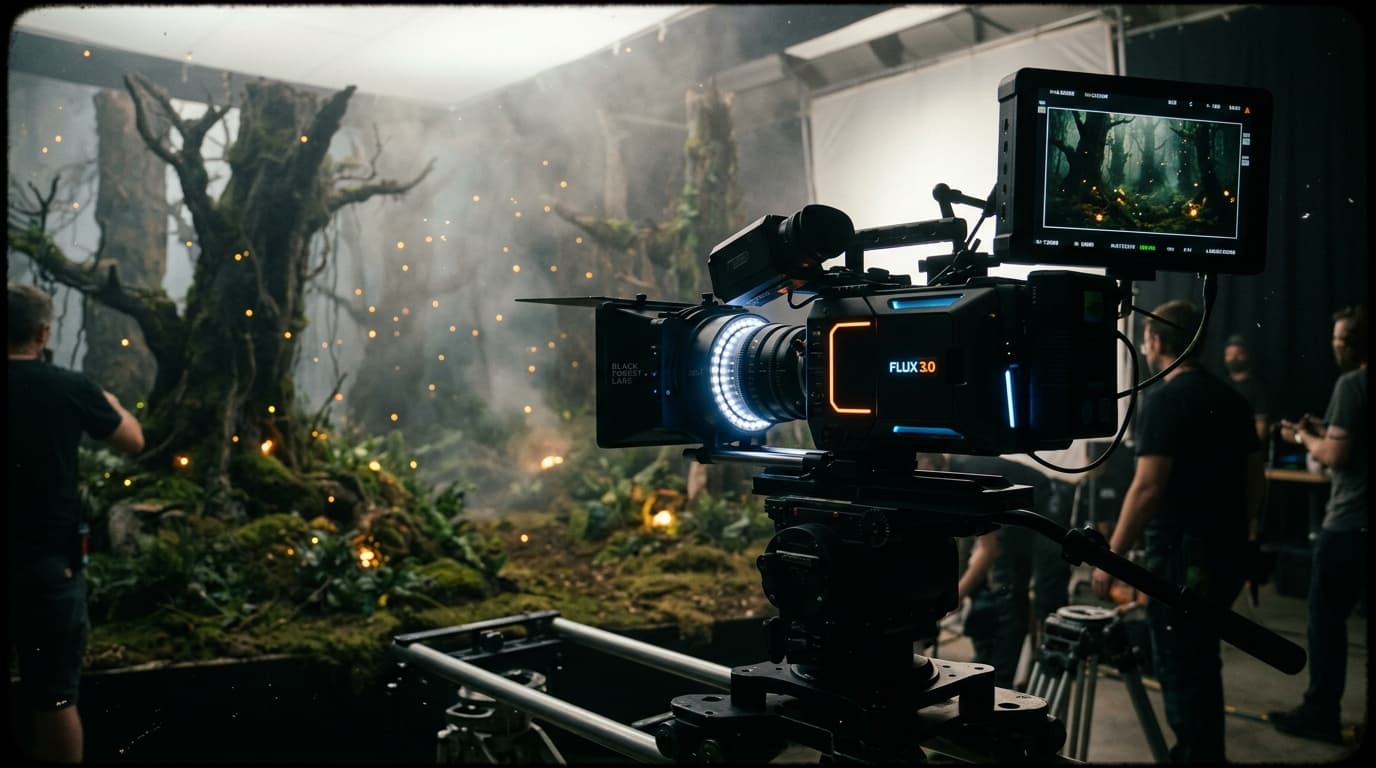
Flux 3.0 is the AI video model that filmmakers have been waiting for.
Created by Black Forest Labs — the team behind the revolutionary Flux image models — Flux 3.0 brings cinematic-grade motion coherence, native audio, and 4K output to AI video generation.
If you need professional-quality output for films, ads, or high-end content, Flux 3.0 is the premium choice in 2026.
This complete guide covers everything you need to know about Flux 3.0 Video.
What is Flux 3.0 Video?
Flux 3.0 is Black Forest Labs' flagship AI video generation model, released in 2026. It's the video evolution of the Flux image model family that revolutionized AI image generation.
Black Forest Labs was founded by former Stability AI researchers who created Stable Diffusion. Their expertise in diffusion models translates into exceptional video quality.
Key Specifications
| Feature | Specification |
|---|---|
| Max Duration | 10 seconds |
| Resolution | 480p, 720p, 1080p, 4K (native) |
| Frame Rate | 24, 30, 60 FPS |
| Audio | Native synchronized audio |
| Aspect Ratios | 16:9, 9:16, 1:1, 21:9, 2.35:1 (anamorphic) |
| Modes | Text-to-Video, Image-to-Video, Keyframe Control |
| Special Features | Start/end keyframes, motion coherence, spatial depth |
| Provider | Black Forest Labs |
What Makes Flux 3.0 Special?
1. Cinematic Motion Coherence
Flux 3.0's defining strength is motion coherence — the ability to maintain consistent, believable motion across all frames.
✅ Spatial depth — Objects move correctly through 3D space
✅ Motion blur — Natural motion blur matches speed
✅ Physics simulation — Gravity, inertia, momentum feel real
✅ Camera grammar — Professional camera movements (not robotic)
Why it matters:
Most AI video models produce motion that "looks AI" — objects float, physics breaks, camera moves feel synthetic. Flux 3.0's motion looks shot with a real camera.
2. Native Audio Generation
Like Seedance 2.5, Flux 3.0 generates synchronized audio:
✅ Ambient sounds (wind, rain, traffic, nature)
✅ Effects (footsteps, doors, objects)
✅ Music (background scores for some prompts)
✅ Speech (dialogue when prompted)
The audio is spatially accurate — sounds come from correct directions, volume matches distance.
3. Native 4K Output
Flux 3.0 can render natively in 4K (3840x2160), not just upscaled:
- True detail — Not interpolated from lower resolution
- Sharp edges — No upscaling artifacts
- Film-ready — Suitable for cinema projection
- HDR-compatible — Rich dynamic range
(Note: 4K costs significantly more credits, use strategically)
4. Start/End Keyframe Control
Flux 3.0 offers precise keyframe control:
Upload two frames:
- Start keyframe: Character at position A, expression 1
- End keyframe: Character at position B, expression 2
Flux animates the exact transition between them.
Use cases:
- Storyboard → animated sequence
- Match cut transitions
- Precise narrative beats
- Character arc visualization
5. Rich Spatial Depth
Flux 3.0 renders convincing 3D space:
- Foreground, midground, background separation
- Correct occlusion (objects behind others)
- Depth-appropriate focus (foreground sharp, background bokeh)
- Parallax motion (closer objects move faster)
This makes Flux videos feel volumetric, not flat.
6. Multiple Aspect Ratios
Flux supports anamorphic widescreen (2.35:1) and ultra-wide (21:9) — rare in AI video models:
- 2.35:1: True cinematic aspect (like Hollywood films)
- 21:9: Ultra-wide for dramatic shots
- 16:9: Standard landscape
- 9:16: Vertical for Shorts/Reels
- 1:1: Square for Instagram
Flux 3.0 vs Competitors
Flux 3.0 vs Seedance 2.5
| Feature | Flux 3.0 | Seedance 2.5 |
|---|---|---|
| Cinematic Quality | ✅ Best | Excellent |
| Max Duration | 10 seconds | ✅ 30 seconds |
| Native 4K | ✅ Yes | No (upscale only) |
| Audio | ✅ Yes | ✅ Yes |
| Keyframe Control | ✅ Yes | End-frame only |
| Pricing | 118 credits | ✅ 61 credits |
Winner: Flux for hero shots and film work, Seedance for longer clips and volume.
Flux 3.0 vs Veo 3
| Feature | Flux 3.0 | Veo 3 |
|---|---|---|
| Motion Coherence | ✅ Best | Excellent |
| Cinematic Lighting | Excellent | ✅ Best |
| 4K Native | ✅ Yes | No |
| Audio | ✅ Yes | ❌ No |
| Pricing | 118 credits | 129 credits |
Winner: Flux for complete package, Veo for pure lighting/cinematography.
Flux 3.0 vs Runway Gen-4.5
| Feature | Flux 3.0 | Runway Gen-4.5 |
|---|---|---|
| Motion Physics | ✅ Better | Excellent |
| Studio Adoption | Growing | ✅ Industry standard |
| Audio | ✅ Yes | ❌ No |
| Accessibility | ✅ Easier (Visualix AI) | API/Studio only |
Winner: Flux for independent creators, Runway for established studios.
Flux 3.0 vs Kling 3.0
| Feature | Flux 3.0 | Kling 3.0 |
|---|---|---|
| Image-to-Video | Good | ✅ Best |
| Motion Coherence | ✅ Better | Excellent |
| Speed | 5-7 min | ✅ 2-3 min |
| Audio | ✅ Yes | ❌ No |
| Pricing | 118 credits | ✅ 52 credits |
Winner: Flux for premium quality, Kling for speed and image animation.
How to Use Flux 3.0
Where to Access Flux 3.0
The easiest way is Visualix AI.
Why Visualix AI:
✅ No API or technical setup
✅ Browser-based interface
✅ Pay-per-use credits
✅ Free starter credits
✅ All resolutions (480p → 4K)
✅ Batch generation
✅ History saved automatically
Step-by-Step Tutorial
Step 1: Sign Up
Go to visualixai.com and create a free account. Get 600 starter credits.
Step 2: Navigate to Flux 3.0
Dashboard → Create → AI Video → Flux 3.0
Step 3: Choose Your Mode
- Text-to-Video: Generate from a prompt
- Image-to-Video: Animate a static image
- Keyframe Mode: Specify start and end frames
Step 4: Write Your Prompt
Flux 3.0 excels with cinematic, atmospheric prompts:
Dramatic Scene:
"Slow motion shot of a lone figure walking through a rain-soaked city street at night. Neon reflections shimmer in puddles. Camera tracks alongside, matching pace. Cinematic noir lighting, shallow depth of field, 24fps film aesthetic."
Nature Epic:
"Wide aerial shot of a mountain valley at golden hour. Camera cranes up, revealing vast landscape. Mist rolls through valleys. Epic, sweeping motion. Rich dynamic range, HDR lighting, 4K cinematic."
Character Moment:
"Close-up of a woman's face as she realizes something profound. Subtle emotion — eyes widen slightly, tear wells up. Camera slowly pushes in. Soft natural lighting, shallow depth of field, intimate moment."
Step 5: Configure Settings
- Resolution: 480p (test), 720p (standard), 1080p (HD), or 4K (cinema)
- Frame Rate: 24fps (film), 30fps (standard), or 60fps (smooth)
- Duration: 5-10 seconds
- Aspect Ratio: 16:9, 9:16, 1:1, 21:9, or 2.35:1
Step 6: Generate
Click Generate. Flux 3.0 takes 5-7 minutes (longer for 4K).
Step 7: Download
Download your MP4. Film-ready quality. No watermarks.
Flux 3.0 Pricing
Visualix AI Pricing
| Resolution | Duration | Credits |
|---|---|---|
| 480p | 5 seconds | 118 credits |
| 720p | 5 seconds | 198 credits |
| 1080p | 5 seconds | 328 credits |
| 4K | 5 seconds | 598 credits |
Cost comparison (5 seconds, 1080p):
- Runway Gen-4.5: ~$2.50 (via API)
- Flux 3.0: 328 credits (~$1.40 on Pro plan) ✅
- Veo 3: 289 credits (~$1.25)
- Seedance 2.5: Can't do native 1080p
Visualix AI Plans:
- Starter: $9/month — 600 credits (~5 Flux 1080p videos)
- Pro: $29/month — 2,300 credits (~19 videos)
- Premium: $49/month — 4,000 credits (~33 videos)
- Ultimate: $99/month — 7,000 credits (~58 videos)
Best Use Cases for Flux 3.0
1. Film & Commercial Production
Perfect for:
- Short film sequences
- Commercial hero shots
- Music video scenes
- Festival submission content
2. High-End Advertising
Clients expect cinema quality:
- Brand campaigns
- Product launches
- Broadcast commercials
- Premium social ads
3. Film Pre-Visualization
Directors and DPs use Flux for:
- Shot planning
- Camera movement testing
- Lighting references
- Pitch deck visuals
4. YouTube Premium Content
High-production-value channels:
- Documentary-style videos
- Cinematic vlogs
- Narrative storytelling
- Educational content with production value
5. Proof-of-Concept & Pitches
Raise funding or pitch ideas:
- Film concept trailers
- Game cinematics
- VR/AR previews
- Investor presentations
6. Art & Experimental Video
Fine art video work:
- Gallery installations
- Video art pieces
- Experimental narratives
- Avant-garde projects
Prompting Tips for Flux 3.0
Use Cinematic Language
✅ "Slow motion", "24fps film aesthetic"
✅ "Shallow depth of field", "bokeh"
✅ "Anamorphic lens", "cinemascope"
✅ "HDR lighting", "rich contrast"
Describe Camera Moves Precisely
✅ "Camera cranes up"
✅ "Steadicam follows"
✅ "Dolly zoom (vertigo effect)"
✅ "Handheld with natural shake"
✅ "Static locked-off shot"
Specify Lighting Style
✅ "Golden hour backlit"
✅ "Noir hard shadows"
✅ "Soft natural window light"
✅ "Dramatic rim lighting"
✅ "Overcast diffuse lighting"
Add Atmospheric Elements
✅ "Mist rolling through"
✅ "Rain-soaked surfaces"
✅ "Dust particles in light beams"
✅ "Smoke drifting"
Reference Film Styles
✅ "Blade Runner aesthetic"
✅ "Wes Anderson symmetry"
✅ "Terrence Malick naturalism"
✅ "Christopher Nolan practical realism"
Example Professional Prompts
Film Noir:
"Medium shot of a detective in a fedora, standing in a dark alley at night. Harsh side lighting creates deep shadows. Rain falls, neon sign flickers in background. Camera slowly pushes in. Film noir cinematography, high contrast black and white, 24fps, anamorphic 2.35:1."
Nature Epic:
"Aerial establishing shot of a vast redwood forest at dawn. Camera rises from forest floor through canopy into open sky. Mist clings to valleys. Birds take flight. Epic scale, National Geographic style, rich greens, HDR lighting, 4K, 16:9."
Character Drama:
"Close-up of an elderly man's weathered hands holding an old photograph. Soft natural window light from left. Camera subtly pushes in. Shallow depth of field, photo comes into focus. Intimate, emotional, muted colors, 24fps, 2.35:1."
Common Issues & Solutions
Issue: Output is too "polished" (doesn't look real)
Solution: Add "film grain", "subtle imperfections", "natural camera shake", "practical lighting".
Issue: Motion is too smooth (no character)
Solution: Specify frame rate: "24fps film aesthetic" vs "60fps smooth". Lower FPS = more cinematic.
Issue: Colors are oversaturated
Solution: Add "muted palette", "desaturated", "natural color grading", "film stock aesthetic".
Issue: Audio doesn't match mood
Solution: Add audio descriptors: "melancholic ambient sound", "tense silence", "distant city noise".
Flux 3.0 Limitations
What it struggles with:
❌ Long clips — 10 seconds max (vs Seedance's 30s)
❌ Fast action — Better at deliberate, cinematic motion than chaos
❌ Complex VFX — Explosions, magic, extreme effects
❌ High cost — Premium pricing (especially 4K)
Use instead:
- Seedance 2.5 for longer clips (30s)
- Kling 3.0 for faster, cheaper volume work
- Wan 3.0 for budget-friendly quality
Flux 3.0 Alternatives
If Flux doesn't fit:
- Runway Gen-4.5 — Similar quality, studio-focused (Try it)
- Veo 3 — Best lighting, slightly cheaper (Try it)
- Seedance 2.5 — Longer clips, more affordable (Try it)
- Kling 3.0 — Much faster, cheaper (Try it)
Is Flux 3.0 Worth It?
Yes, for professional work.
Best for:
✅ Film production
✅ High-end advertising
✅ Broadcast commercials
✅ Cinema-quality YouTube content
✅ Pitch decks and proof-of-concepts
✅ Art installations
Not ideal for:
❌ High-volume social media (too expensive)
❌ Quick iteration (slow generation time)
❌ Budget projects (use Wan, Kling)
❌ Long-form storytelling (use Seedance)
Bottom line: Flux 3.0 is the best AI video model for cinematic work in 2026. If you need film-quality output for clients, festivals, or premium content, Flux 3.0 delivers results worth the premium price. For volume work or social media, cheaper models are more practical.
Get Started with Flux 3.0
Ready to create cinema-quality AI videos?
- 600 free starter credits
- No credit card required
- Full resolution range (480p → 4K)
- Native audio included
- No watermarks, full commercial rights
Or explore related models:
- Veo 3 (Alternative Premium Model)
- Runway Gen-4.5 (Studio Alternative)
- Seedance 2.5 (Longer Clips)
- Compare All Premium Models
Related Guides:
- Best AI Video Generator 2026 →
- Seedance vs Veo vs Kling Comparison →
- How to Create Product Demo Videos →
Last updated: August 29, 2026
Model version: Flux 3.0 Video (latest)
Frequently Asked Questions
Q.What is Flux 3.0 Video?
Flux 3.0 is Black Forest Labs' flagship AI video generation model released in 2026. It features cinematic motion coherence, native synchronized audio, 4K output capability, and start/end keyframe precision — making it one of the most advanced video models available.
Q.Who makes Flux 3.0?
Flux is developed by Black Forest Labs, the frontier AI research team behind the breakthrough Flux image models. The team includes former Stability AI researchers who created Stable Diffusion.
Q.How much does Flux 3.0 Video cost?
On Visualix AI, Flux 3.0 costs from 118 credits for a 5-second 480p video. While premium-priced, it delivers exceptional quality that justifies the cost for professional work. It's significantly more affordable than accessing Flux through direct API.
Q.What makes Flux 3.0 different from other AI video models?
Flux 3.0 combines cinematic-grade motion coherence with native audio generation and 4K output capability. It also offers precise start/end keyframe control, allowing you to specify exact beginning and ending frames for narrative precision.
Q.Can I use Flux 3.0 for commercial projects?
Yes. Videos generated with Flux 3.0 on Visualix AI can be used for commercial purposes including YouTube monetization, client work, advertising campaigns, and film production.
Generate Videos with Visualix AI
ByteDance Seedance AI Video Generator
ByteDance SOTACreate hyper-realistic cinematic AI videos with ByteDance Seedance online.
Seedance 2.5 AI Video Generator
Flagship 2.5ByteDance's flagship Seedance 2.5 video engine with 60 FPS dynamics and audio.
Seedance 2.0 4K AI Video Generator
Native 4KGenerate native 4K cinematic AI videos with ByteDance Seedance 2.0.
Seedance Text to Video Generator
Prompt to VideoTurn descriptive text prompts into cinematic Seedance AI video clips.