- What You Need to Get Started
- Step 1: Create a Free Visualix AI Account
- Step 2: Open the Seedance Studio
- Step 3: Choose Your Creation Mode
- Option A: Text-to-Video (T2V)
- Option B: Image-to-Video (I2V)
- Step 4: Configure Aspect Ratio and Duration
- Step 5: Render and Download Watermark-Free
- Pro Tips for Maximum Video Quality
- Start Creating with Seedance for Free Today

ByteDance's Seedance 2.5 is one of the most powerful generative video models in the world. However, many creators believe that running it requires complex Python programming, expensive Nvidia A100 GPU clusters, or waiting on developer API waitlists.
Fortunately, you can use ByteDance Seedance 2.5 and 2.0 online for free in your web browser through Visualix AI.
In this step-by-step tutorial, we walk you through how to generate your first Seedance AI video from text prompts or photos in under two minutes.
What You Need to Get Started
- Any web browser (Chrome, Safari, Edge, or Firefox) on desktop or mobile
- A free Visualix AI account (no credit card required)
- An idea or photo you want to animate
Step 1: Create a Free Visualix AI Account
- Visit Visualix AI or go directly to the Seedance AI Video Generator.
- Click Start Generating Free or Sign Up.
- Sign in with Google or your email.
- Your account will automatically be loaded with free trial credits to test Seedance 2.5, Seedance 2.0, and 100+ other AI video models.
Step 2: Open the Seedance Studio
In the generation studio, select your preferred Seedance model from the dropdown:
- Seedance 2.5 (Flagship): Choose this for 60 FPS motion, audio synthesis, and clips up to 30 seconds.
- Seedance 2.0 Pro: Choose this for native 4K resolution output.
- Seedance 2.0 Mini / Fast: Choose these for ultra-fast, budget-friendly draft testing.
Step 3: Choose Your Creation Mode
Visualix AI supports both creation workflows for Seedance:
Option A: Text-to-Video (T2V)
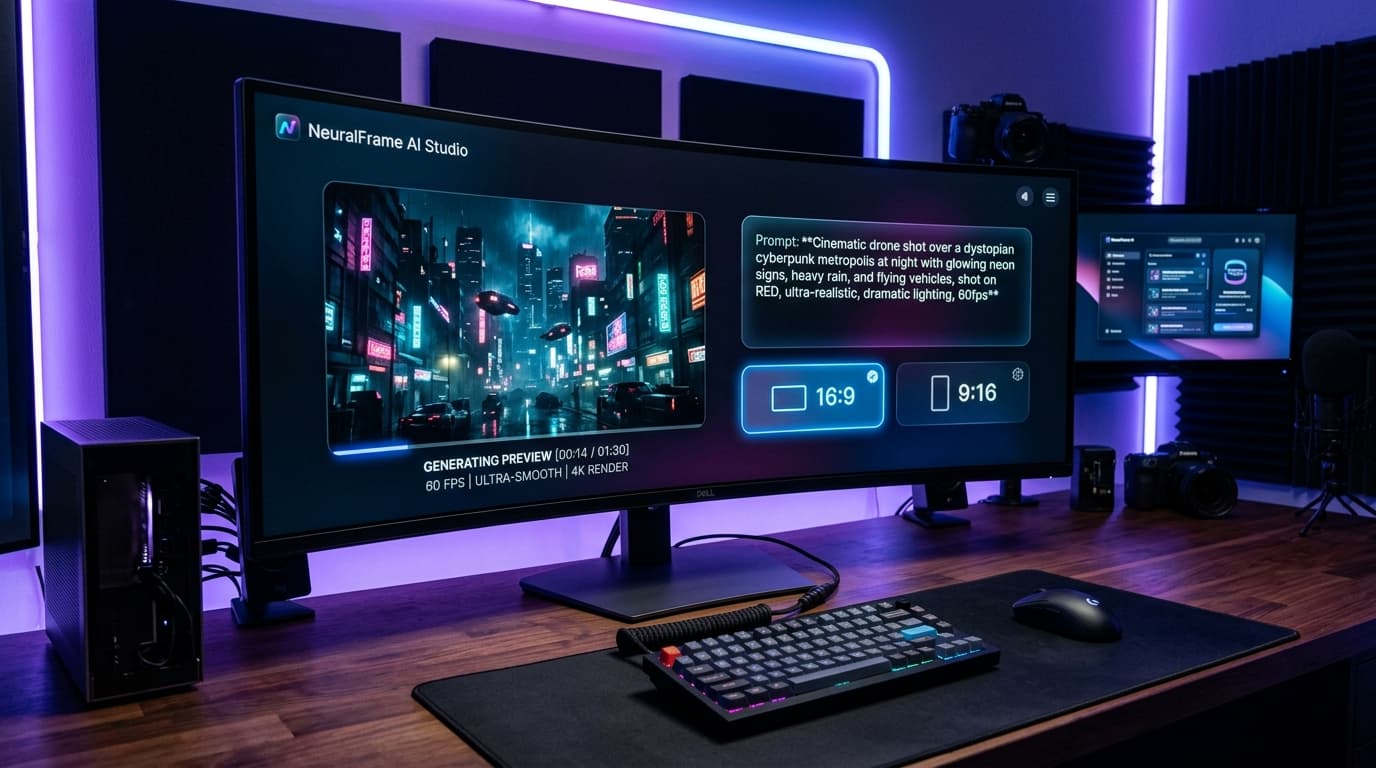
Type a descriptive prompt detailing the scene. For best results, follow this formula:
[Camera Movement] + [Subject & Action] + [Environment & Weather] + [Lighting & Colors] + 60fps cinematic
Example Prompt:
Cinematic low-angle tracking shot, a futuristic samurai standing in torrential rain beneath neon billboards, raindrops splashing off the blade, reflections in puddles, dramatic blue and magenta lighting, 60fps, photorealistic 8k.
Option B: Image-to-Video (I2V)
- Click Upload Image and select a portrait, artwork, or product photo.
- Enter a motion prompt describing what should move (e.g. 'Character blinks, smiles gently, wind blows hair, camera slowly zooms in').
- (Optional) Upload an End Frame to control the final pose or attach a Reference Video to transfer motion.
Step 4: Configure Aspect Ratio and Duration
- Aspect Ratio:
- 16:9 (Landscape): Ideal for YouTube long-form, Vimeo, and cinematic films.
- 9:16 (Vertical): Ideal for TikTok, Instagram Reels, and YouTube Shorts.
- 1:1 (Square): Ideal for Instagram grid posts and LinkedIn feeds.
- 21:9 (Anamorphic): Ultra-wide widescreen for cinematic trailers.
- Duration: Choose from 4 to 30 seconds.
Step 5: Render and Download Watermark-Free
- Click the Generate Video button. The exact credit cost is clearly shown upfront.
- The cloud AI cluster will process your video in 30–60 seconds.
- Once completed, preview your video in full resolution.
- Click Download to save your clean, watermark-free MP4 file.
Pro Tips for Maximum Video Quality
- Use Specific Camera Directing Tokens: Words like 'dolly in', 'FPV drone sweep', '360 orbital tracking', and 'slow motion 60fps' give Seedance clear instructions on how the virtual camera should behave.
- Layer Auto-Captions with One Click: Take your generated video into the Visualix AI Shorts Generator to add viral animated subtitles with word-by-word highlights.
- One-Click 4K Upscale: If you generate in 720p 60fps on Seedance 2.5, use the built-in 4K upscaler to push the clip to cinema-grade 3840x2160 resolution in seconds.
Start Creating with Seedance for Free Today
You don't need expensive hardware or technical expertise to create world-class AI videos. With Visualix AI, the power of ByteDance Seedance 2.5 is right at your fingertips.
👉 Start Generating With ByteDance Seedance Free on Visualix AI
Frequently Asked Questions
Q.Is ByteDance Seedance AI free to use?
Yes, you can generate videos with ByteDance Seedance 2.5 and 2.0 for free on Visualix AI. New accounts receive free trial credits without needing a credit card.
Q.Do I need a powerful GPU or Python setup to run Seedance?
No. Seedance runs entirely in the cloud on Visualix AI. You can generate videos from any browser on your computer, tablet, or smartphone.
Q.Do generated Seedance videos have a watermark?
No, Visualix AI exports high-definition videos without forced watermarks, giving you clean MP4 files ready for publication or client delivery.
Generate Videos with Visualix AI
ByteDance Seedance AI Video Generator
ByteDance SOTACreate hyper-realistic cinematic AI videos with ByteDance Seedance online.
Seedance 2.5 AI Video Generator
Flagship 2.5ByteDance's flagship Seedance 2.5 video engine with 60 FPS dynamics and audio.
Seedance 2.0 4K AI Video Generator
Native 4KGenerate native 4K cinematic AI videos with ByteDance Seedance 2.0.
Seedance Text to Video Generator
Prompt to VideoTurn descriptive text prompts into cinematic Seedance AI video clips.