- Why Use AI to Create YouTube Shorts?
- Speed
- Consistency
- Quality
- No Equipment Needed
- What You Need to Get Started
- Step-by-Step: Creating YouTube Shorts with AI
- Step 1: Choose Your Niche & Topic
- Step 2: Open Visualix AI's YouTube Shorts Generator
- Step 3: Enter Your Topic
- Step 4: AI Generates Your Script
- Step 5: Choose Your Visual Style
- Step 6: Select Your AI Voice
- Step 7: Choose Caption Style
- Step 8: Generate Your Video
- Step 9: Download & Upload to YouTube
- YouTube Shorts Algorithm Optimization Tips
- 1. The First 2 Seconds Are Everything
- 2. Retention Is King
- 3. Loop Your Videos
- 4. Post at Optimal Times
- 5. Use Trending Topics
- 6. Post Consistently
- Scaling Your YouTube Shorts Channel with AI
- Batch Creation Strategy
- Multi-Niche Strategy
- Faceless Channel Strategy
- Common Mistakes to Avoid
- Conclusion
YouTube Shorts has become the #1 growth engine on YouTube. With over 70 billion daily views and YouTube heavily promoting short-form content, creators who master Shorts are seeing explosive subscriber growth.
But here's the challenge: creating YouTube Shorts consistently is time-consuming. You need a hook, a script, footage, editing, captions, and optimization — for every single video.
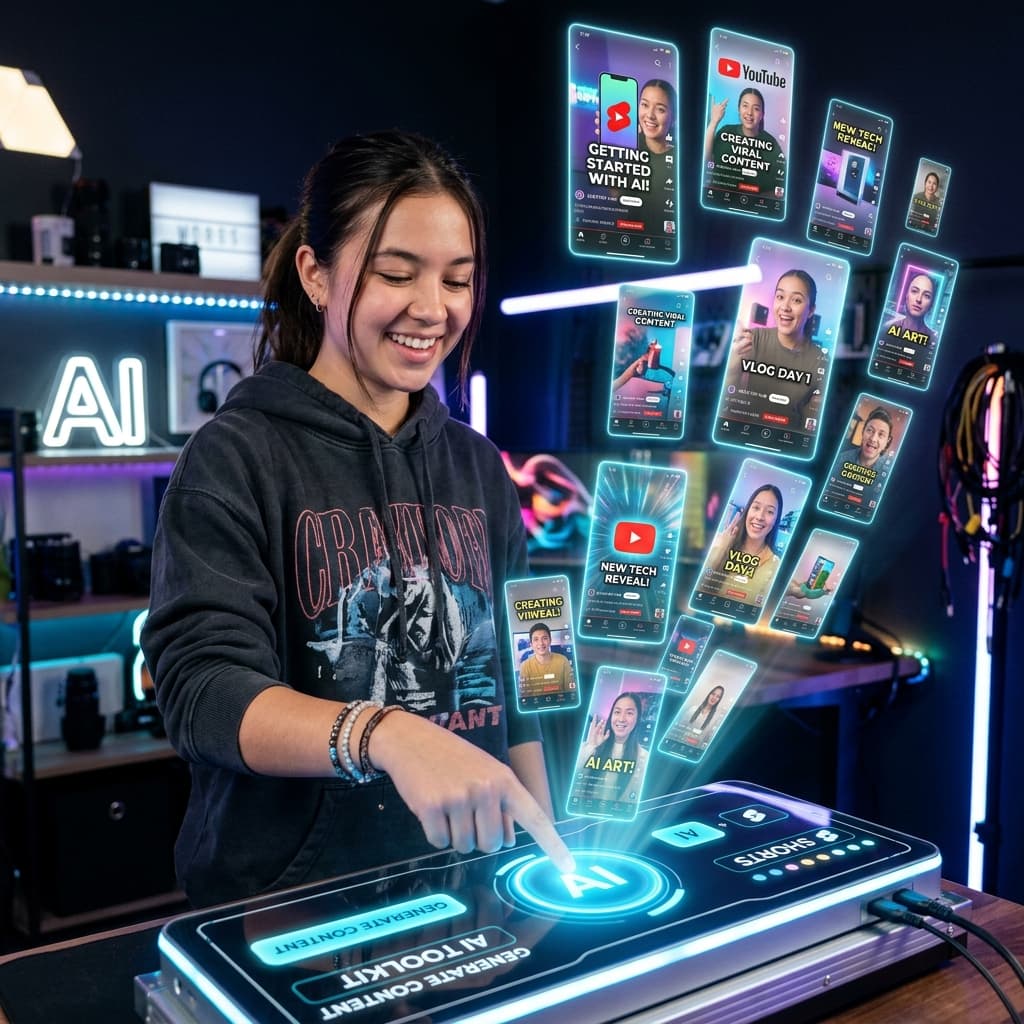
That's where AI comes in. In this complete guide, you'll learn exactly how to create YouTube Shorts with AI using tools like Visualix AI, from your first idea to your first viral video.
Why Use AI to Create YouTube Shorts?
Speed
Traditional Shorts creation takes 1-3 hours per video. With AI, you can go from idea to finished video in under 5 minutes.
Consistency
The YouTube algorithm rewards consistent posting. AI lets you create 5-10 Shorts per day without burnout.
Quality
AI generates professional scripts, stunning visuals, natural voiceovers, and perfectly timed captions — rivaling manually produced content.
No Equipment Needed
No camera, no microphone, no editing software. Just your ideas and an AI video generator.
What You Need to Get Started
- A free Visualix AI account
- A YouTube channel (free to create)
- A topic or niche for your content
That's it. No expensive equipment, no editing skills, no studio setup.
Step-by-Step: Creating YouTube Shorts with AI
Step 1: Choose Your Niche & Topic
The best YouTube Shorts niches in 2026:
| Niche | Example Topics | Monthly Search Volume |
|---|---|---|
| Facts & Education | "5 shocking facts about space" | Very High |
| History | "The fall of the Roman Empire" | High |
| Motivation | "Why 99% of people fail" | Very High |
| Horror & Scary Stories | "The most haunted place on Earth" | High |
| Finance & Crypto | "3 stocks that will 10x in 2026" | High |
| Science | "What happens if the sun disappears" | Medium |
| Anime & Pop Culture | "Top 5 strongest anime characters" | High |
Pro Tip: Pick topics that trigger curiosity. Questions, lists, and shocking facts perform best.
Step 2: Open Visualix AI's YouTube Shorts Generator
Go to the AI YouTube Shorts Generator on Visualix AI.
This tool is specifically designed for YouTube Shorts:
- Scripts optimized for the Shorts algorithm
- 9:16 vertical format
- Hook-first storytelling structure
- Attention-optimized pacing
Step 3: Enter Your Topic
Type your video idea into the prompt field. Be specific for better results:
Weak prompt: "Make a video about history" Strong prompt: "5 mind-blowing facts about Ancient Egypt that schools never teach"
The more specific your prompt, the more targeted and engaging the AI's output will be.
Step 4: AI Generates Your Script
The AI analyzes trending YouTube Shorts content and generates a script with:
- A strong hook (first 2 seconds) — This is critical for stopping the scroll
- Value-packed body — Quick, engaging information delivery
- A payoff ending — Satisfying conclusion that encourages rewatching
You can edit the script before proceeding. Add personal touches, change the tone, or strengthen specific sections.
Step 5: Choose Your Visual Style
Visualix AI offers multiple visual styles:
- Realistic — Photorealistic AI-generated imagery
- Cinematic — Film-quality with professional lighting and grading
- Anime — Japanese animation style (great for pop culture content)
- Watercolor — Artistic, painterly visuals
- GTA — Grand Theft Auto style (popular for character-driven stories)
- Comic — Bold comic book aesthetics
Choose the style that best matches your content and audience.
Step 6: Select Your AI Voice
Pick from a library of natural-sounding AI voices:
- Male and female options
- Multiple languages (English, Hindi, Spanish, French, German, and more)
- Different tones (dramatic, educational, casual, energetic)
Pro Tip: For educational content, use a calm, authoritative voice. For motivational content, choose an energetic, deep voice.
Step 7: Choose Caption Style
Animated captions are mandatory for viral Shorts. Visualix AI offers trending caption styles with:
- Word-by-word highlighting
- Color customization
- Font options
- Emoji integration
Step 8: Generate Your Video
Click Generate. The AI will:
- Create matching visuals for each scene
- Synthesize the voiceover
- Add animated captions synced to the audio
- Format everything in 9:16 for YouTube Shorts
Your video will be ready in 2-5 minutes.
Step 9: Download & Upload to YouTube
Download your finished video and upload it to YouTube Shorts:
- Open the YouTube app or youtube.com
- Click the + button → Create a Short
- Upload your AI-generated video
- Add a title with keywords (e.g., "5 Mind-Blowing Facts About Egypt #shorts #history")
- Add relevant tags and a description
- Publish!
YouTube Shorts Algorithm Optimization Tips
1. The First 2 Seconds Are Everything
The algorithm measures swipe-away rate. If viewers scroll past your video in the first 2 seconds, it's dead. Make your hook irresistible:
- Start with a provocative statement
- Use text overlays for emphasis
- Begin mid-action or mid-sentence
2. Retention Is King
YouTube measures what percentage of your video people watch. Aim for 70%+ average view duration:
- Cut all filler and dead space
- Keep the pacing fast
- Deliver value continuously
3. Loop Your Videos
End your video in a way that makes viewers want to rewatch it. This creates a "loop" effect that dramatically boosts watch time.
4. Post at Optimal Times
Best posting times for YouTube Shorts in 2026:
- Weekdays: 12 PM - 3 PM EST
- Weekends: 9 AM - 12 PM EST
- Global audience: Test different times and check your analytics
5. Use Trending Topics
React to trending news, viral events, and seasonal topics. AI makes it easy to create timely content fast.
6. Post Consistently
Aim for 1-3 Shorts per day. Consistency signals to the algorithm that your channel is active and worth promoting.
Scaling Your YouTube Shorts Channel with AI
Batch Creation Strategy
Set aside 2-3 hours per week. Using Visualix AI, you can create:
- 5-10 videos in one sitting
- Schedule them throughout the week
- Maintain a consistent posting schedule
Multi-Niche Strategy
Create multiple channels in different niches:
- Use the AI History Video Generator for a history channel
- Use the AI Motivational Video Generator for a motivation channel
- Use the AI Horror Video Generator for a scary stories channel
- Use the AI Science Video Generator for an educational channel
Faceless Channel Strategy
You don't need to show your face. The AI Faceless Video Generator creates professional content with AI visuals and voiceover. Many of the biggest YouTube Shorts channels are completely faceless.
Common Mistakes to Avoid
- Weak hooks — Don't start with "Hey guys, today we're going to..." Start with something shocking, curious, or provocative
- Too long — Keep it under 60 seconds. The sweet spot is 30-45 seconds
- Poor audio quality — Always use AI voiceover rather than recording in a noisy environment
- No captions — 85% of social media videos are watched on mute. Captions are essential
- Inconsistent posting — The algorithm rewards consistency. Use AI to maintain your schedule
Conclusion
Creating YouTube Shorts with AI has never been easier. With tools like Visualix AI, you can go from a simple topic idea to a professionally produced, algorithm-optimized YouTube Short in under 5 minutes.
The key to success is consistency, quality hooks, and choosing the right niches. AI handles the heavy lifting of production — you just need to bring the ideas.
Frequently Asked Questions
Q.How do I create YouTube Shorts with AI?
Use an AI tool like Visualix AI: 1) Enter your topic, 2) AI generates the script, visuals, and voiceover, 3) Choose your style and caption format, 4) Download the video in 9:16 format and upload to YouTube Shorts. The entire process takes under 5 minutes.
Q.What is the best AI tool for YouTube Shorts?
Visualix AI is the best AI tool for YouTube Shorts in 2026. It offers specialized YouTube Shorts generation with algorithm-optimized scripts, trending hooks, professional voiceovers, and auto-captions — all from a single text prompt.
Q.How long should YouTube Shorts be for maximum views?
YouTube Shorts can be up to 60 seconds, but the sweet spot for viral potential is 30-45 seconds. This gives enough time to deliver value while maintaining high retention rates, which the algorithm rewards.
Q.Can AI help my YouTube Shorts go viral?
Yes, AI tools analyze millions of viral videos to optimize your content's hook strength, pacing, caption timing, and visual engagement. While virality isn't guaranteed, AI significantly improves your odds by applying proven patterns.
Q.Do I need to show my face to make YouTube Shorts?
No, faceless YouTube Shorts are extremely popular. Use Visualix AI's Faceless Video Generator to create engaging content with AI visuals and voiceover without ever appearing on camera.
Generate Videos with Visualix AI
ByteDance Seedance AI Video Generator
ByteDance SOTACreate hyper-realistic cinematic AI videos with ByteDance Seedance online.
Seedance 2.5 AI Video Generator
Flagship 2.5ByteDance's flagship Seedance 2.5 video engine with 60 FPS dynamics and audio.
Seedance 2.0 4K AI Video Generator
Native 4KGenerate native 4K cinematic AI videos with ByteDance Seedance 2.0.
Seedance Text to Video Generator
Prompt to VideoTurn descriptive text prompts into cinematic Seedance AI video clips.