- Path A: The "Generative Director" Workflow (Zero Timeline Editing)
- The Tool You Need: An All-In-One Generative Studio
- Step 1: The "Seed" Prompt (Ideation)
- Step 2: The Script & Hook Optimization
- Step 3: Generative Rendering
- Step 4: The Automated Polish
- Path B: The "Hybrid Auto-Editor" Workflow (For On-Camera Creators)
- Step 1: Automated Rough Cuts (Cutting the Fat)
- Step 2: AI Audio Enhancement (Studio Sound)
- Step 3: AI B-Roll Generation (Filling the Gaps)
- Step 4: Automated Captioning & Framing
- Best Practices for Maximizing Efficiency
- 1. Master Your Prompting
- 2. Standardize Your Brand Kit
- 3. Embrace Batch Processing
- The Economics of the AI Workflow
- Conclusion: Adopt or Be Left Behind
If you ask any successful content creator what the biggest bottleneck in their business is, the answer is almost always the same: Editing.
Traditional video editing is an incredibly labor-intensive process. Reviewing raw footage, cutting out pauses, manually hunting for B-roll, mixing audio levels, color grading, and typing out subtitles can easily consume 10 to 15 hours for a single high-quality YouTube video. For solo creators trying to post consistently, this workload inevitably leads to burnout.
But in 2026, you should not be editing like it's 2021.
Artificial intelligence has completely restructured the post-production pipeline. By adopting an AI-first editing workflow, you can slash your production time by 90% while simultaneously increasing the cinematic quality of your final videos.
In this comprehensive, 1,500+ word guide, we will outline the ultimate AI video editing workflow for 2026. We will cover the two distinct paths you can take: the Hybrid Auto-Editor Workflow (for vloggers and on-camera creators) and the Generative Director Workflow (for faceless channels and fully automated content).
Path A: The "Generative Director" Workflow (Zero Timeline Editing)
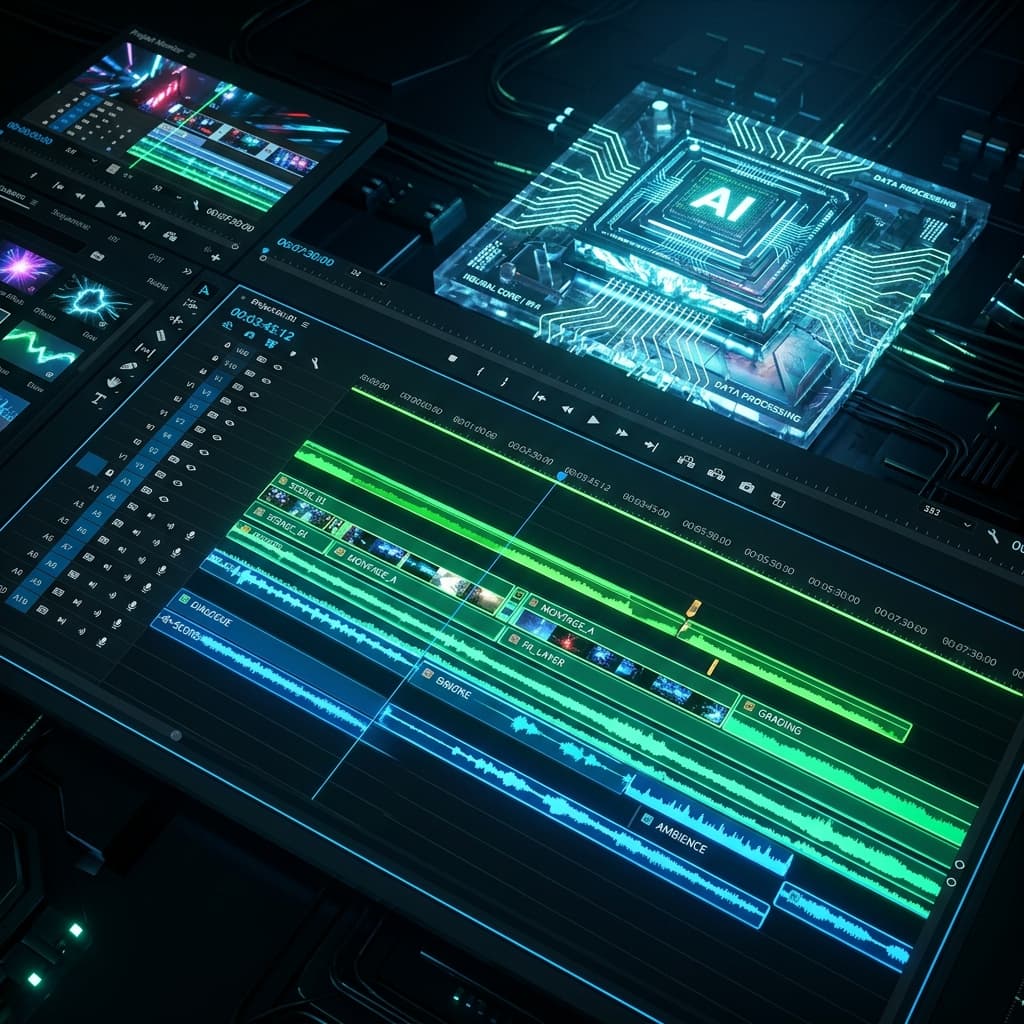
This is the fastest, most advanced workflow available in 2026. It completely bypasses traditional timeline editing software like Premiere Pro or Final Cut. This workflow is designed for faceless channels, marketing agencies, and educational creators who want to build high-retention content purely from text.
The Tool You Need: An All-In-One Generative Studio
For this workflow, you must use a centralized generative platform like Visualix AI. Fragmenting this process across five different websites destroys efficiency.
Step 1: The "Seed" Prompt (Ideation)
You do not start with raw video files; you start with an idea. Open your generative AI studio and enter your "seed prompt." This acts as the instructions for your AI editor. Example: "Create a highly dramatic, 60-second video about the history of the Samurai. Use a deep, authoritative voice. The visual style should be Cinematic Realism."
Step 2: The Script & Hook Optimization
The AI returns a formatted script within seconds. As the "Director," your job here is to review the hook. Ensure the first three seconds present a massive knowledge gap to hook the viewer. Edit any text directly in the platform to ensure factual accuracy or adjust the pacing.
Step 3: Generative Rendering
Click "Generate." You do not have to manually search Storyblocks for footage of Samurai. The generative AI engine synthesizes original, cinematic visual sequences based on the context of each sentence in your script. Simultaneously, the AI synthesizes the human voiceover, ensuring the emotion matches the text.
Step 4: The Automated Polish
The platform automatically applies background music that matches the dramatic tone. It applies smooth visual transitions to keep the viewer engaged. Crucially, it applies dynamic, bouncy, Hormozi-style captions perfectly synced to the audio.
Total Time from Idea to Finished MP4: 5 to 10 Minutes. Time Spent Scrubbing a Timeline: 0 Minutes.
Path B: The "Hybrid Auto-Editor" Workflow (For On-Camera Creators)
If you are a vlogger, a podcaster, or an educator who films real-world, on-camera footage, you cannot use a purely generative workflow. You must process raw camera files.
However, you can still use AI to automate the most tedious parts of the traditional editing process.
Step 1: Automated Rough Cuts (Cutting the Fat)
The most exhausting part of editing a vlog or a talking-head video is watching yourself speak for an hour just to cut out every "um," "uh," heavy breath, and awkward pause. The AI Solution: Tools like Descript or the AI tools inside CapCut Desktop and Premiere Pro allow for text-based editing.
- Import your raw 1-hour footage.
- The AI instantly transcribes the audio into a text document.
- Click the "Remove Silence & Filler Words" button. The AI instantly makes hundreds of micro-cuts on the timeline, shrinking your 1-hour raw file into a perfectly paced 20-minute rough cut in five seconds.
Step 2: AI Audio Enhancement (Studio Sound)
Poor audio is a massive retention killer. If your microphone picked up echo from the room, hum from the air conditioner, or wind from outside, manually EQ-ing the audio is difficult. The AI Solution: Use tools like Adobe Podcast AI or the built-in AI Audio Enhancer in your editor. With one click, the AI isolates your vocal frequencies, removes all background noise, and makes a $20 lapel microphone sound like a $1,000 studio broadcast setup.
Step 3: AI B-Roll Generation (Filling the Gaps)
In a traditional workflow, if you mention "the surface of the moon" while talking to the camera, you have to leave your editor, go to a stock footage site, search, download a clip, drag it onto the timeline, and resize it. The AI Solution: Use generative AI integration. If you are editing and need a specific shot, open a tool like Visualix AI or a generative plugin, type "cinematic shot of the moon surface," generate a 5-second clip instantly, and drop it over your talking head to maintain visual stimulation.
Step 4: Automated Captioning & Framing
Finally, if you are turning this video into a YouTube Short or TikTok, manually framing the shot and typing subtitles is agonizing. The AI Solution: Use the Auto-Reframe AI tool in your editor. It uses computer vision to track your face, keeping you perfectly centered in a vertical 9:16 crop even if you walk across the room. Then, hit "Auto-Captions" to generate bold, dynamic subtitles instantly.
Best Practices for Maximizing Efficiency
Regardless of which workflow you choose, implementing these best practices will ensure you get the absolute best results from your AI tools.
1. Master Your Prompting
The quality of a generative AI video is entirely dependent on the quality of your prompt. Be specific about the visual aesthetic, the camera angles, the lighting, and the emotional tone of the voiceover. Weak Prompt: "A video about a car." Strong Prompt: "A fast-paced, high-energy promotional video about a neon green sports car drifting through a rainy cyberpunk city at midnight. High contrast lighting. Aggressive, commanding voiceover."
2. Standardize Your Brand Kit
If you are generating videos daily, you want your channel to look cohesive. Find a caption font, color palette, and visual aesthetic (e.g., "Vintage 35mm film style" or "Sleek Corporate Flat Design") that you like, and save those settings as a preset in your AI platform. Never waste time redesigning your captions for every video.
3. Embrace Batch Processing
AI allows you to move so fast that doing tasks one by one is actually inefficient. Instead of: Write a script -> Generate Video -> Post Video -> Write Script 2. Do this: Write 10 Prompts -> Generate 10 Videos while you eat lunch -> Schedule 10 videos on YouTube.
The Economics of the AI Workflow
Why are top creators transitioning to these AI workflows so aggressively? It comes down to basic business economics.
Let's assume you value your time at $50 an hour. If a traditional video takes you 10 hours to edit, that video "costs" you $500 to produce. If an all-in-one AI platform like Visualix AI costs $49 a month, and it allows you to produce that same video in 10 minutes, the software pays for itself in the first 6 minutes of use.
Furthermore, if you previously hired freelance editors, you are instantly recovering hundreds or thousands of dollars a month in contractor fees, effectively turning your production expense into pure profit.
Conclusion: Adopt or Be Left Behind
The reality of the 2026 creator economy is stark: the sheer volume and quality of content being produced using AI workflows means that manual, traditional editing for daily social media content is no longer a viable competitive strategy.
Whether you are a vlogger using text-based editing to clean up your rough cuts, or a faceless channel operator using an end-to-end generative platform like Visualix AI to produce documentaries from scratch, adopting an AI workflow is mandatory.
By shifting from manual labor to creative direction, you will free up the dozens of hours you previously spent staring at timelines. You can redirect that energy into researching better topics, building stronger business funnels, and scaling your digital empire.
Stop editing. Start generating.
👉 Experience the fastest generative video workflow on the market with Visualix AI.
Frequently Asked Questions
Q.What is an AI video editing workflow?
An AI video editing workflow is a systematic process that uses artificial intelligence tools to automate the most time-consuming parts of video editing. This includes auto-cutting dead air, generating B-roll from text prompts, synthesizing voiceovers, and auto-generating dynamic captions.
Q.Will AI replace traditional video editors like Premiere Pro?
For high-end cinema and complex VFX, traditional timeline editors will remain necessary. However, for 95% of social media content (YouTube Shorts, TikToks, Vlogs, Educational content), all-in-one AI generative platforms and AI-assisted editors are already replacing traditional software workflows.
Q.How much time can I save using an AI editing workflow?
Creators often report saving up to 90% of their editing time. A 10-minute YouTube video that traditionally takes 8-12 hours to script, source B-roll, edit, and caption can be completed in under 45 minutes using a streamlined AI workflow.
Q.What is the fastest way to edit a faceless video?
The absolute fastest way is to not 'edit' in the traditional sense at all. By using an end-to-end generative platform like Visualix AI, you simply input the prompt, and the AI acts as the editor, generating the scenes, pacing the voiceover, and applying captions automatically.
Generate Videos with Visualix AI
ByteDance Seedance AI Video Generator
ByteDance SOTACreate hyper-realistic cinematic AI videos with ByteDance Seedance online.
Seedance 2.5 AI Video Generator
Flagship 2.5ByteDance's flagship Seedance 2.5 video engine with 60 FPS dynamics and audio.
Seedance 2.0 4K AI Video Generator
Native 4KGenerate native 4K cinematic AI videos with ByteDance Seedance 2.0.
Seedance Text to Video Generator
Prompt to VideoTurn descriptive text prompts into cinematic Seedance AI video clips.